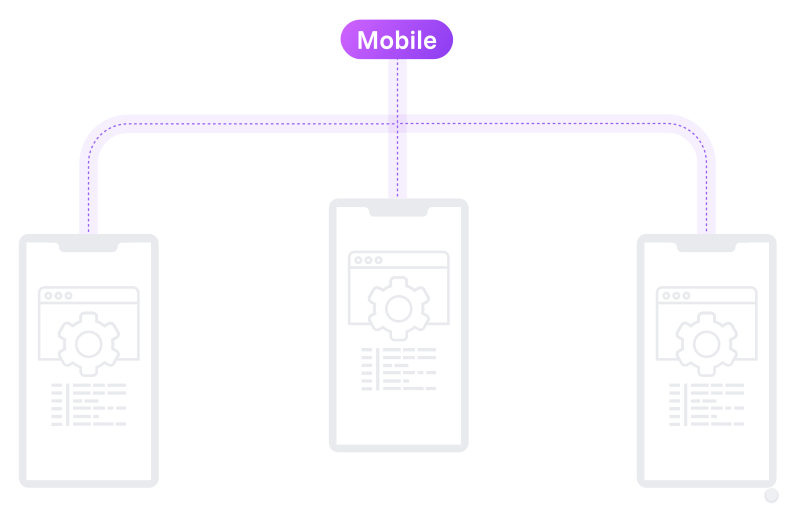

Run tests on real and virtual devices—Android, iOS, or both to make your app look good everywhere.
Low-code mobile testing editor with end-to-end automation for Android and iOS. Test apps faster, smarter, and without juggling emulators, scripts, or sanity.



Run tests on real and virtual devices—Android, iOS, or both to make your app look good everywhere.

Test your mobile apps on multiple devices at once with a low code editor. And get reports in a centralized reporting tool.

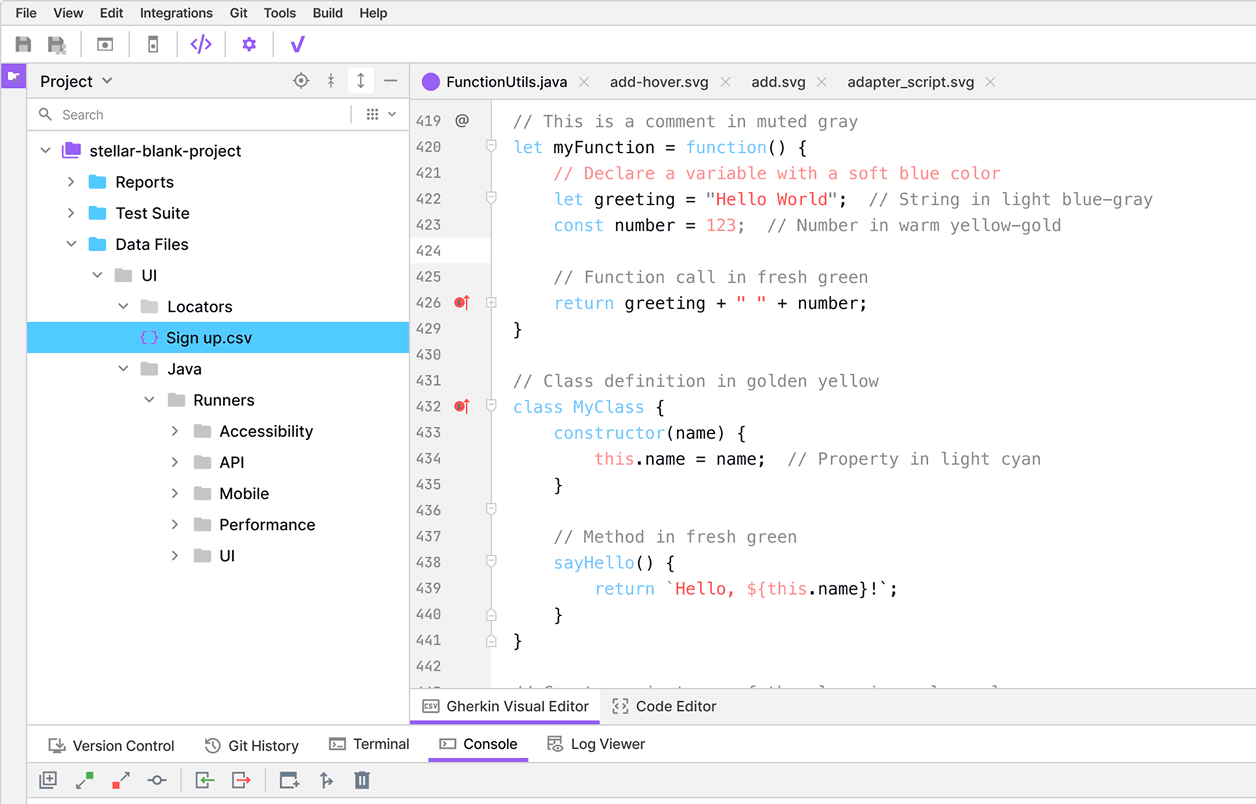
Create, edit, and customize mobile test cases with Gherkin syntax, IntelliSense, and visual logic flows.

Step 1:
Connect your mobile devices or emulators.
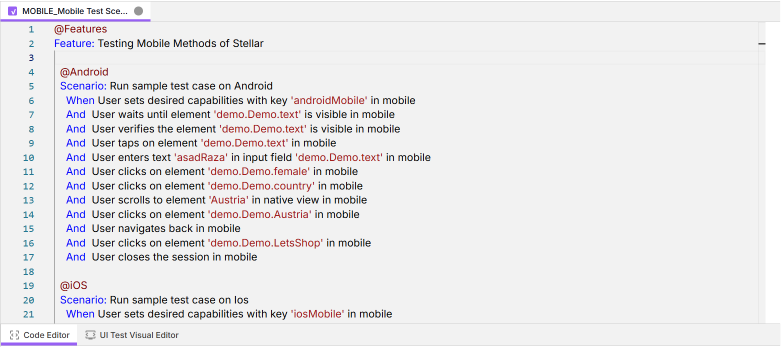
Step 2:
Use the low-code editor or record interactions directly from the app.
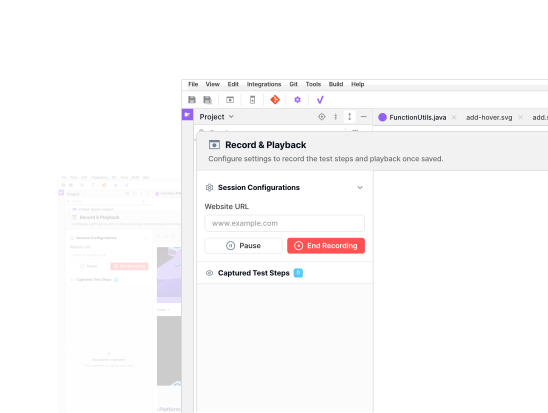
Step 3:
Feed real or mock user data to simulate authentic usage.
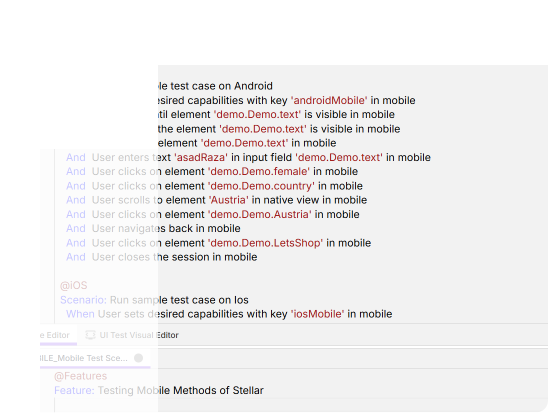
Step 4:
Choose multiple devices and execute with one click.
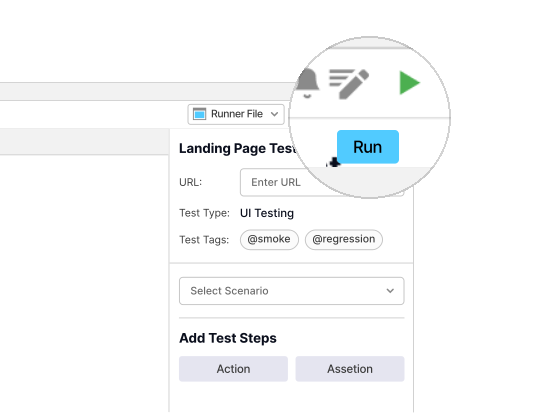
Step 5:
Check reports, video recordings, and logs—all in one place.
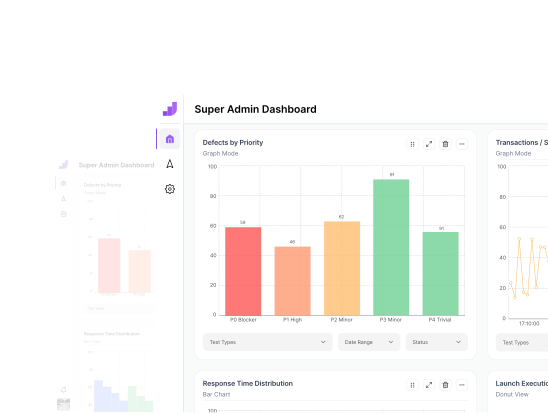
Automate testing for iOS and Android native applications
Ensure smooth performance & functionality.
 Web View
Test your websites on Chrome, with a visual test editor.


“vStellar Studio is really easy to use with features that have simplified our complex test automation requirements.”

Head of QA at TeleFuse

“No other software testing tool matches Studio’s flexibility in handling diverse app types so effortlessly.”

Founder of EduHatch

“vStellar made automation simple for us. The setup was fast, and our QA team now executes tests in record time.”

CEO, DocHive

“From web to mobile, covers all qa automation testing services. It is one of the best testing platform in software testing.”

CTO, TechHorizon

“Integration with our CI/CD pipelines was so easy with vStellar’s integrations, and the parallel testing saved us hours every sprint.”

CEO, StudyZap

“With seamless platform integration, vStellar makes test automation easy to kick off and scale. “

Founder of ZippyKart

Test automation in mobile testing means using tools like vStellar for running automated test scripts in no or low code syntax. It asseses the functionality, performance, and usability of mobile applications on various device-platforms-OS combinations.
Absolutely. You can execute mobile tests seamlessly on simulators/emulators and real physical devices, depending on your environment setup and connected capabilities.
Yes! By selecting WebView mode in vStellar’s configuration, you can run tests on mobile browsers like Chrome (Android) and Safari (iOS). Perfect for validating hybrid or mobile web applications across platforms.
Get unlimited test case executions and advanced software testing features with vStellar’s PREMIUM plan.