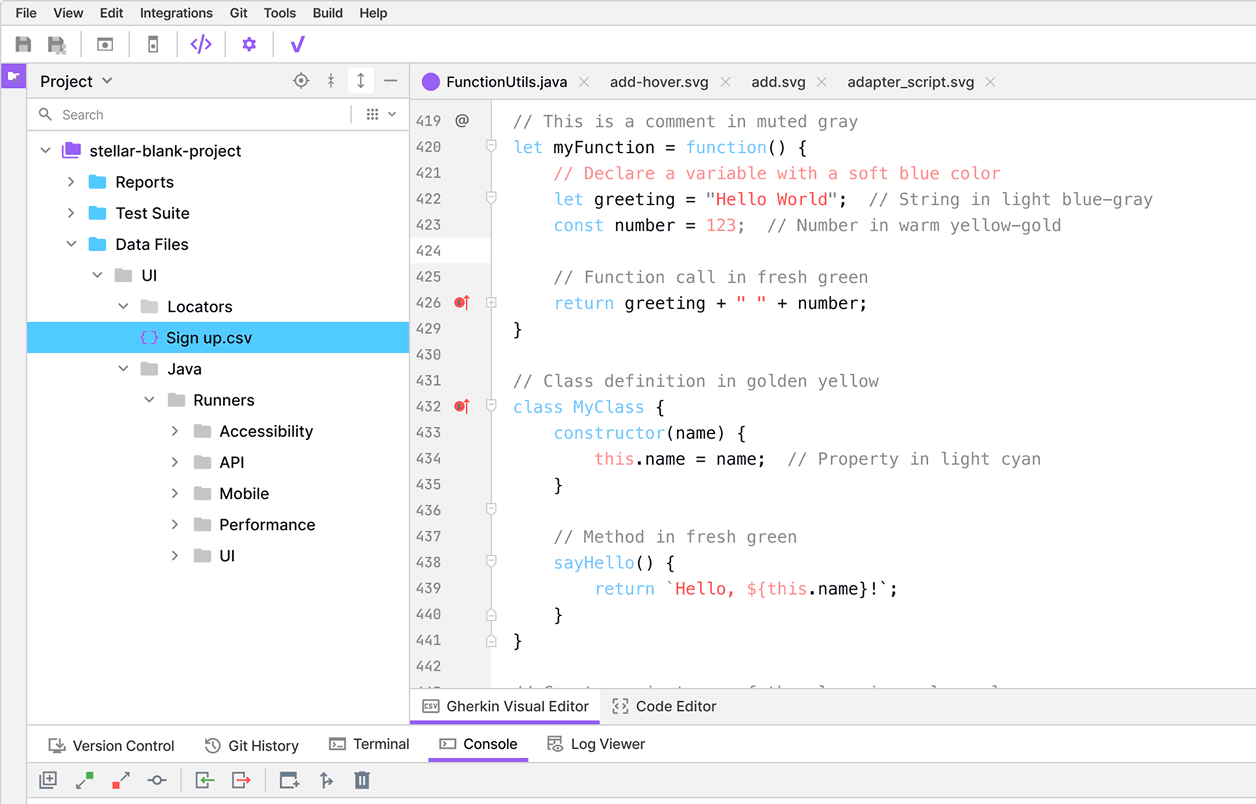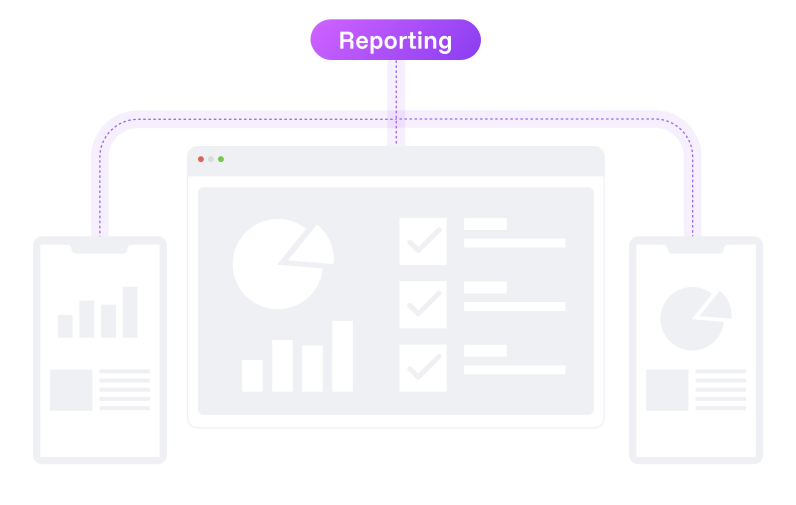

Easily generate and organize automated test reports with clear, concise data in PDF format.
View, track, and analyze automated test results. QA teams, developers, and managers—everyone can monitor software quality in real-time.



Easily generate and organize automated test reports with clear, concise data in PDF format.

Connects directly with the testing platform and all test executions are automatically recorded.

Share automated test results in real time with your QA team for quick, transparent decisions.

Step 1:
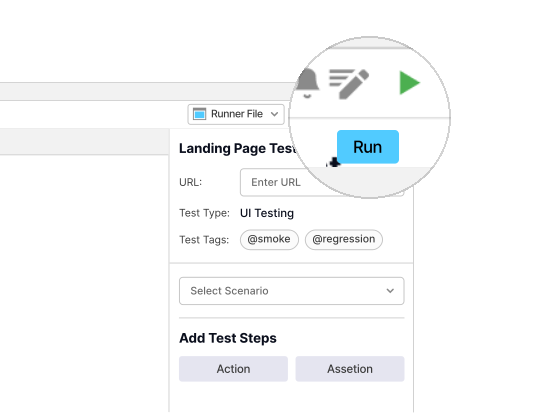
Start by executing your test suites (UI, API, Mobile, Performance) directly from vStellar.
Step 2:
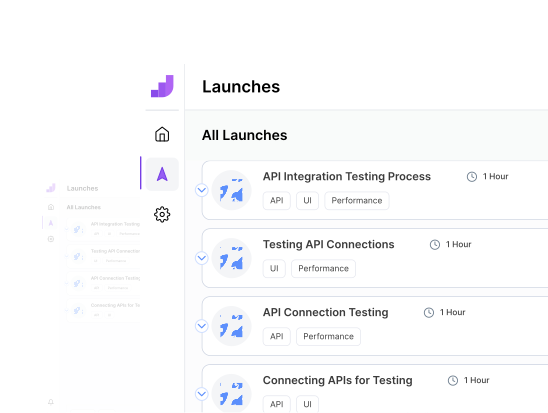
All execution data including logs, screenshots, and results is automatically sent to the reporting dashboard.
Step 3:
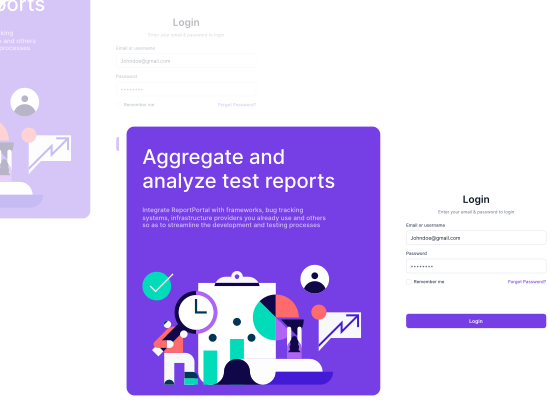
Log in securely via SSO to view your dashboard.
Step 4:
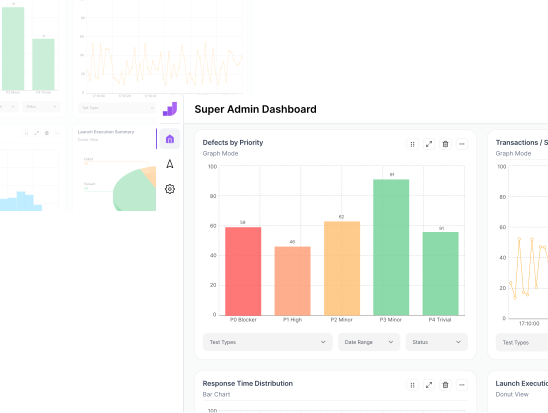
Explore trends, identify flaky tests, and export reports.
No more scattered spreadsheets or lost logs.
Intuitive charts, pass/fail summaries, and trend graphs.
 Real-Time Metrics
Catch flaky tests or spot regression patterns.


“vStellar Studio is really easy to use with features that have simplified our complex test automation requirements.”

Head of QA at TeleFuse

“No other software testing tool matches Studio’s flexibility in handling diverse app types so effortlessly.”

Founder of EduHatch

“vStellar made automation simple for us. The setup was fast, and our QA team now executes tests in record time.”

CEO, DocHive

“From web to mobile, covers all qa automation testing services. It is one of the best testing platform in software testing.”

CTO, TechHorizon

“Integration with our CI/CD pipelines was so easy with vStellar’s integrations, and the parallel testing saved us hours every sprint.”

CEO, StudyZap

“With seamless platform integration, vStellar makes test automation easy to kick off and scale. “

Founder of ZippyKart

You can track flaky tests, failure trends, execution duration, and response times.
Test automation reporting is the process of collecting, analyzing, and presenting the results of automated test executions in a clear, visual format.
Access your reports directly from the integrated reporting tool dashboard for easy analysis and sharing with your team.
You can personalize dashboards by rearranging widgets, selecting metrics, and filtering test data — giving every user a customized reporting view.
Get unlimited test case executions and advanced software testing features with vStellar’s PREMIUM plan.